
OCB QR Visit · the QR code platform by OCB Consulting

QR codes with logo for your brand

Create QR codes for business cards, WiFi, menus, events and more – with your logo and brand colours. Static QR codes are free and need no account.

  • PNG, JPG and SVG
  • Logo and brand colours
  • Nine QR code types
Real. Scan me.To the generatorReal. Scan me.Demo: menu

Design the code in your colours, print it once and change the target or the page behind it whenever you like.

What is OCB QR Visit?

OCB QR Visit is a QR code platform by OCB Consulting, based in Gladbeck, Germany. Businesses use it to create QR codes with their logo and brand colours in nine types and download them as PNG, JPG or SVG. Static QR codes are free and need no account. With an account you also get dynamic QR codes with a changeable target and scan counting, and QR pages: small mobile pages for a menu, a contact page, a property exposé or guest information.

Example applications

Eight examples ready to scan for real use cases

Examples of possible uses – not customer references. Every code is real and leads to a demo page with made-up content.

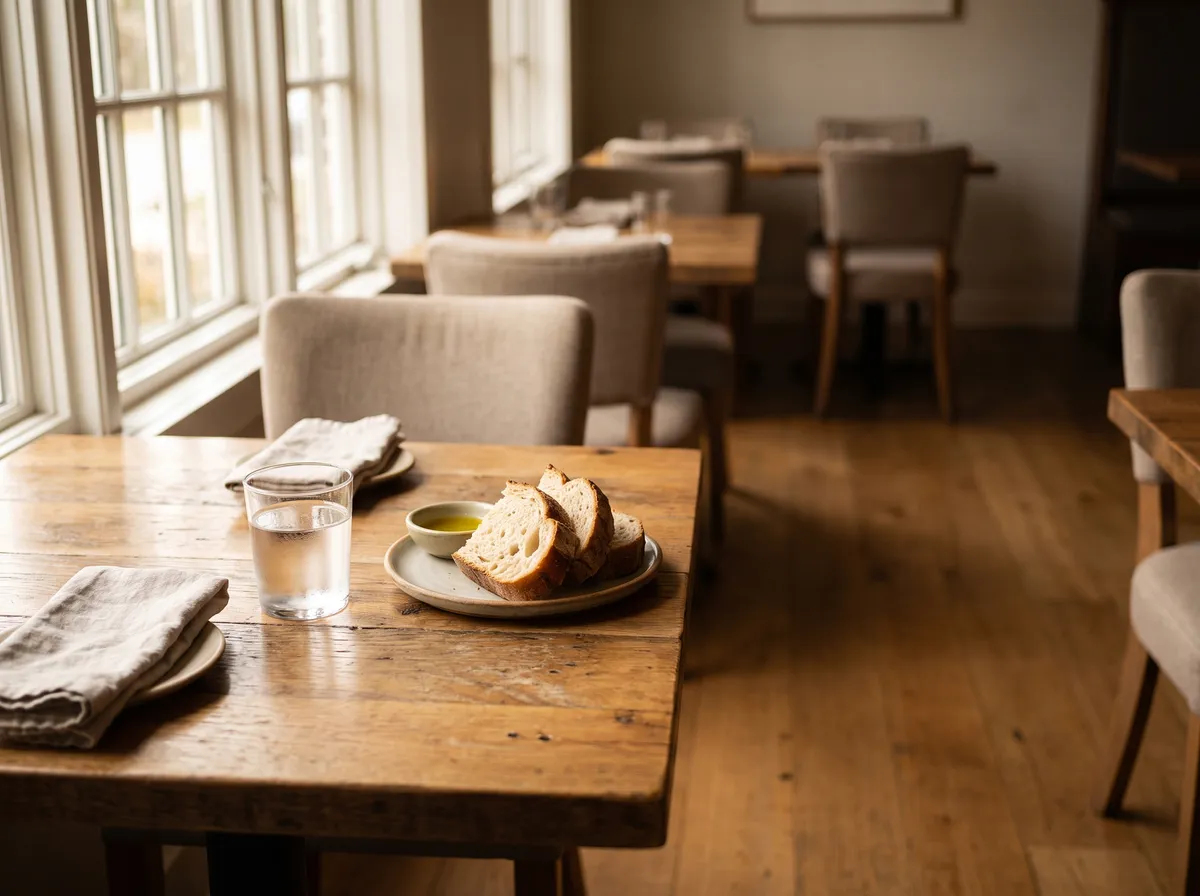
  1. Example scene: Restaurant

    Example – not a customer reference

    Restaurant

    QR code to the mobile menu with logo and brand colours.

    • Menu
    • Branding
    • Mobile
    Open demo
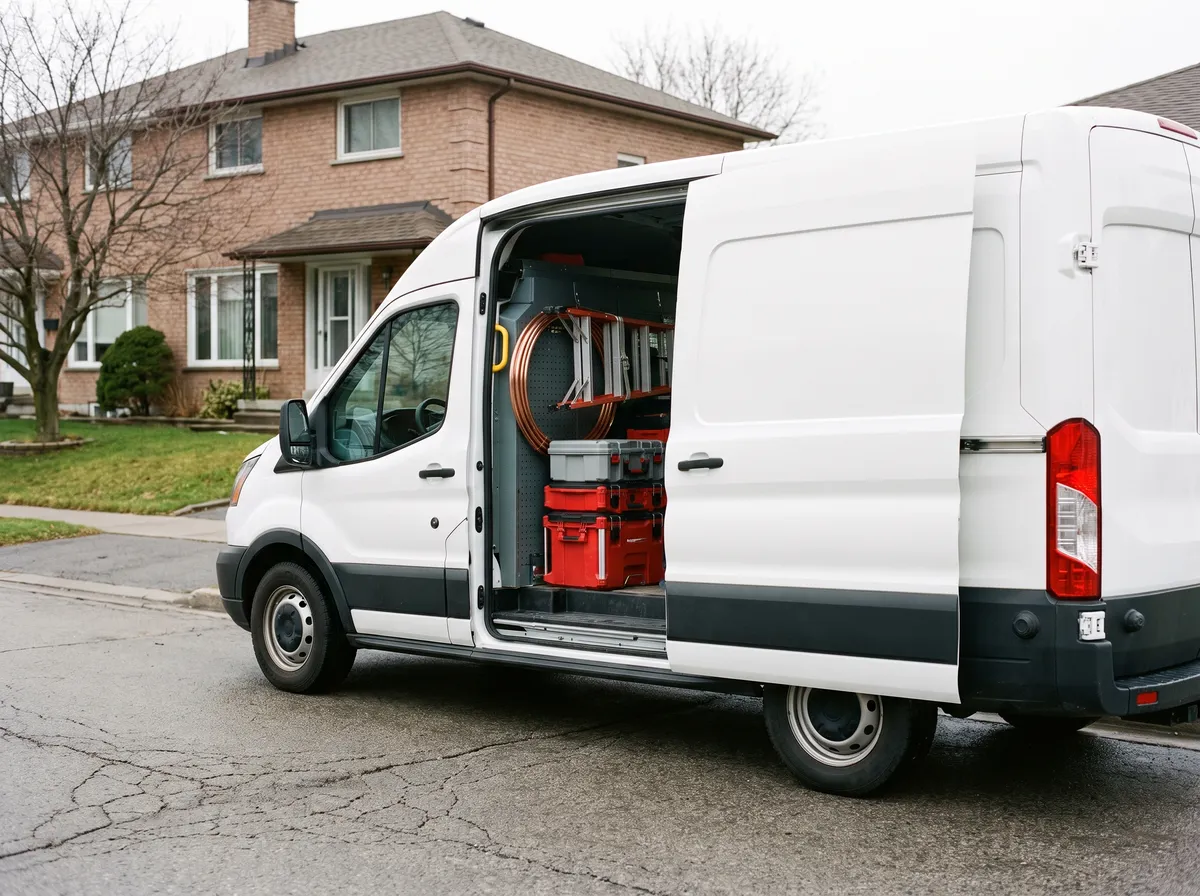
  2. Example scene: Trades

    Example – not a customer reference

    Trades

    On the van or business card: website, phone and reviews in one place.

    • Website
    • Phone
    • Reviews
    Open demo
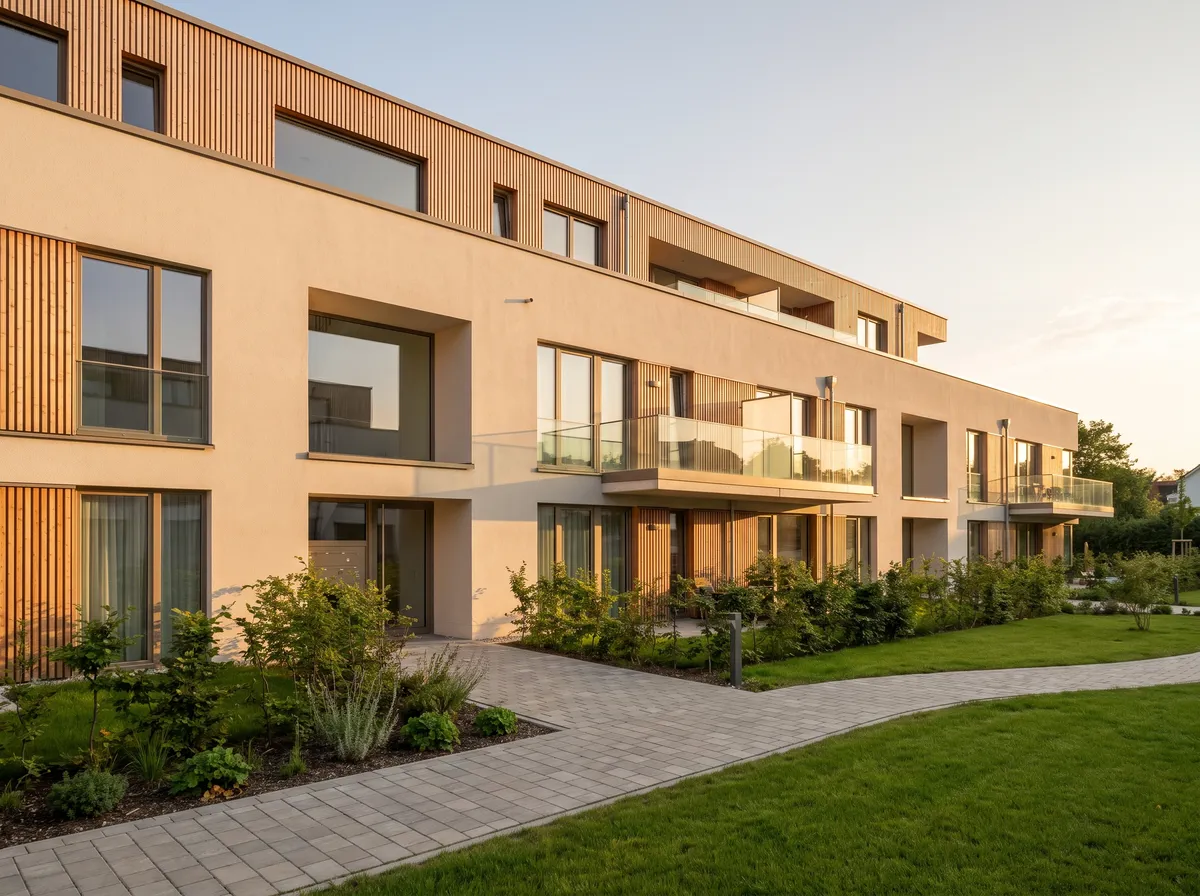
  3. Example scene: Real estate

    Example – not a customer reference

    Real estate

    From the exposé straight to property details, contact and viewing.

    • Exposé
    • Contact
    • Viewing
    Open demo
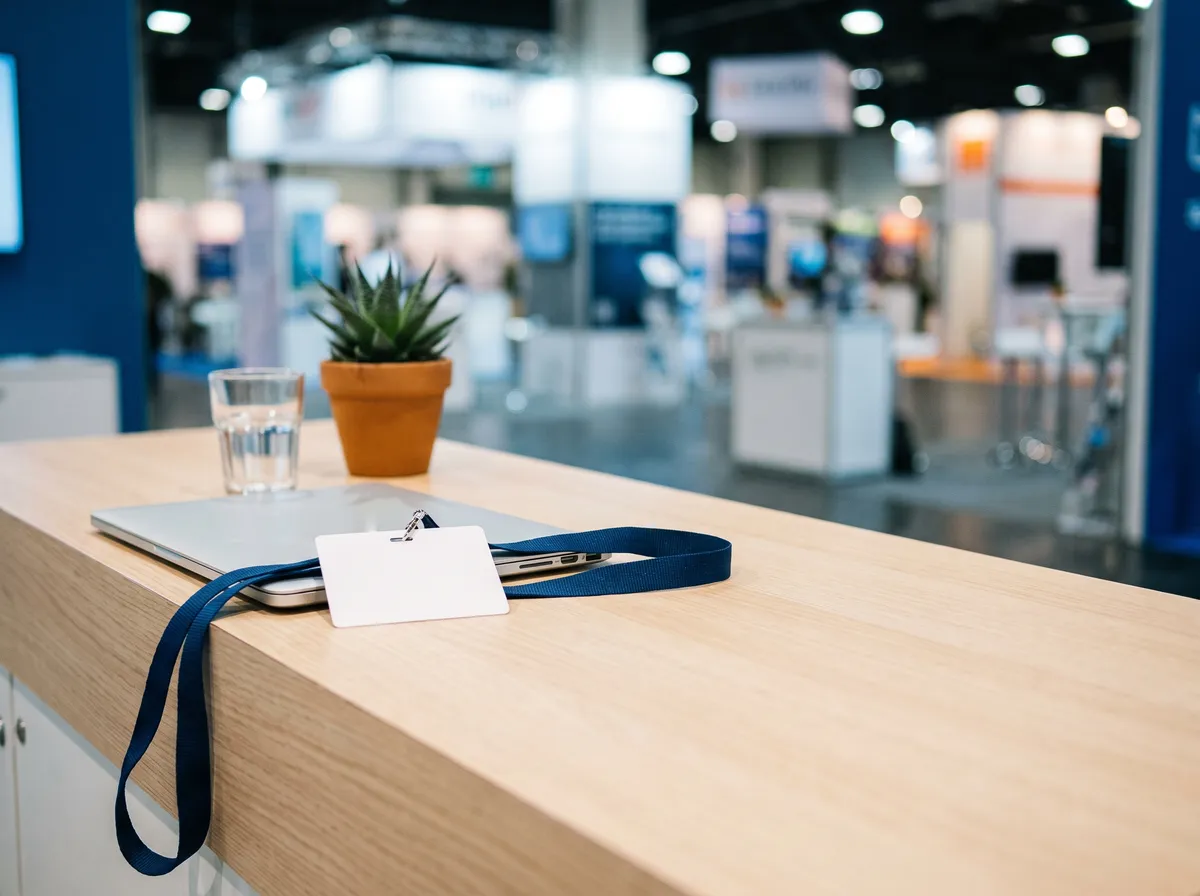
  4. Example scene: Trade fair / B2B

    Example – not a customer reference

    Trade fair / B2B

    Share a contact's details on mobile. This demo is real: it opens the business card of OCB Consulting.

    • vCard
    • Contact
    • Trade fair
    Open demo
  5. Example scene: Beauty

    Example – not a customer reference

    Beauty

    Booking, Instagram and reviews on a single touchpoint.

    • Booking
    • Social
    • Reviews
    Open demo
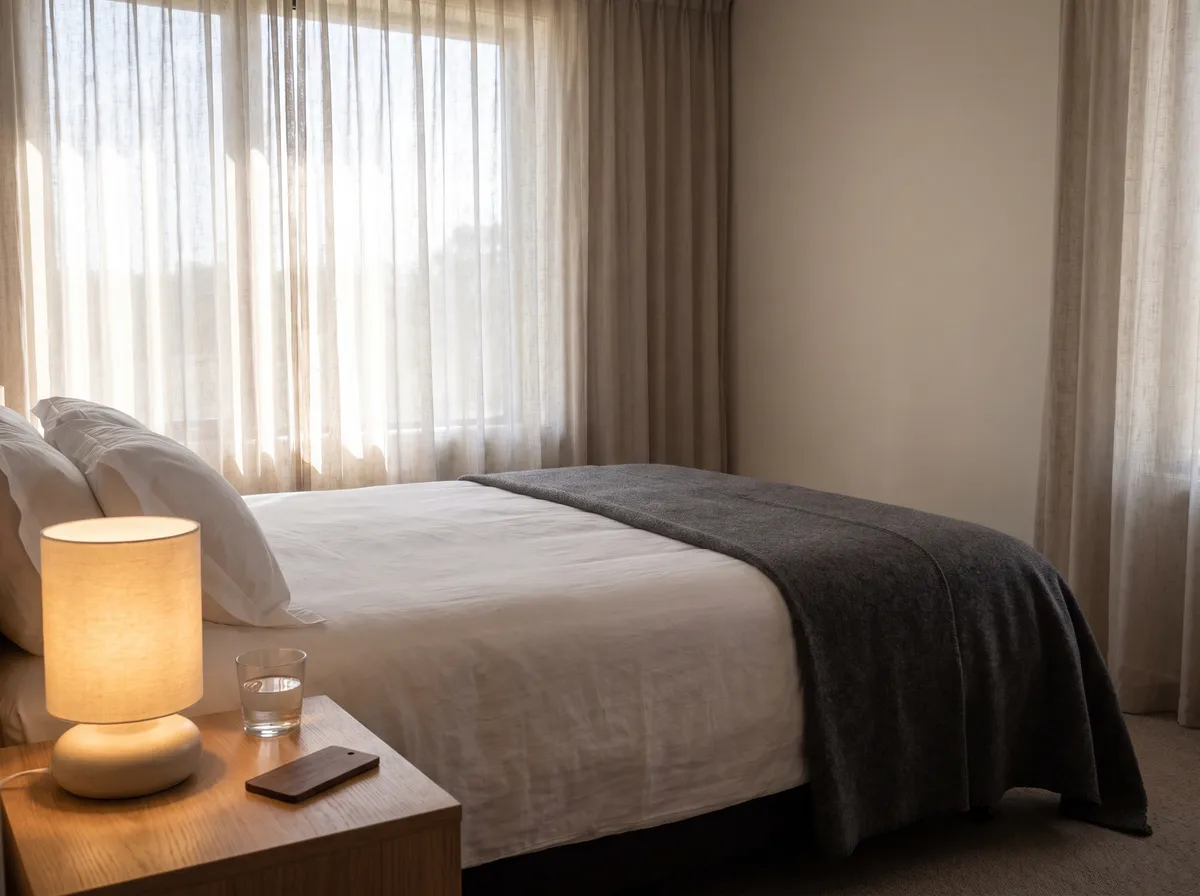
  6. Example scene: Hotel

    Example – not a customer reference

    Hotel

    WiFi, information and services within easy reach for guests.

    • WiFi
    • Service
    • Info
    Open demo
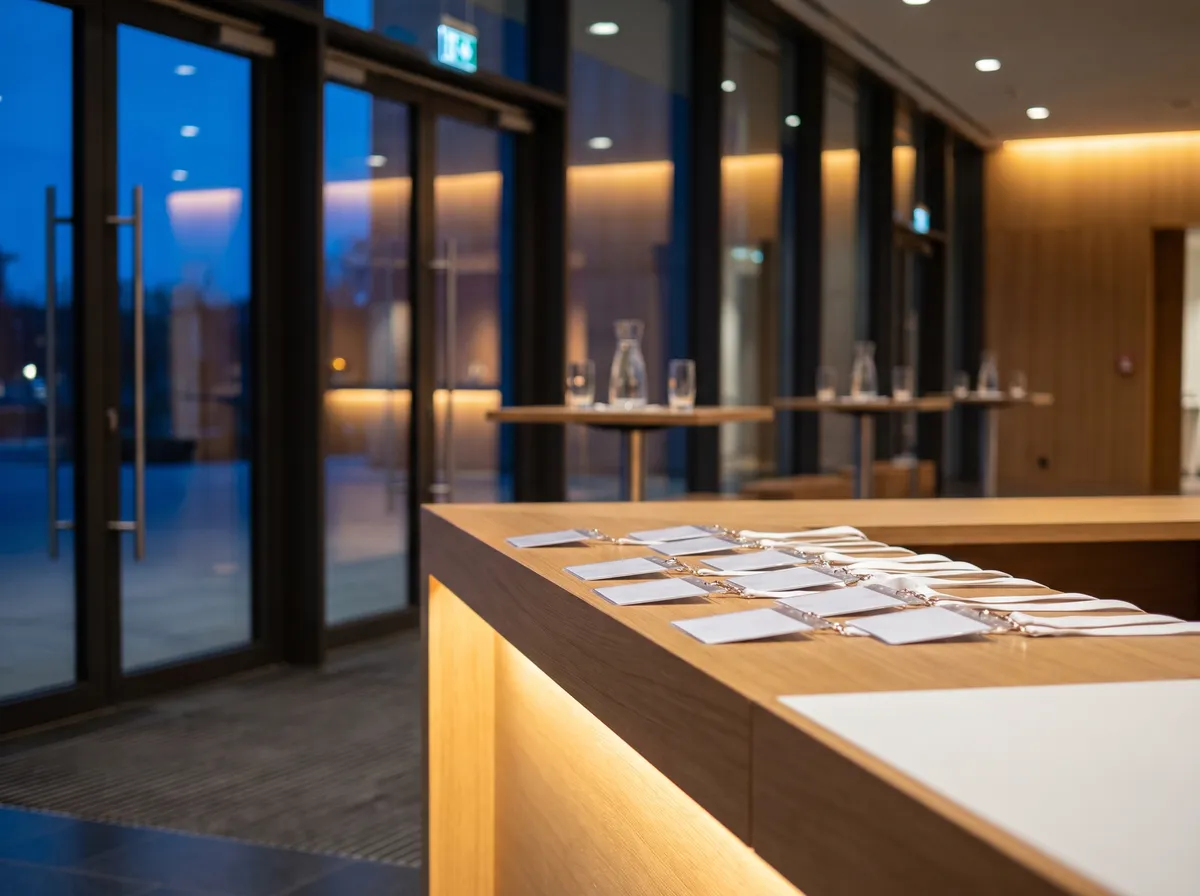
  7. Example scene: Event

    Example – not a customer reference

    Event

    Link programme, tickets, location and contact details.

    • Programme
    • Directions
    • Tickets
    Open demo
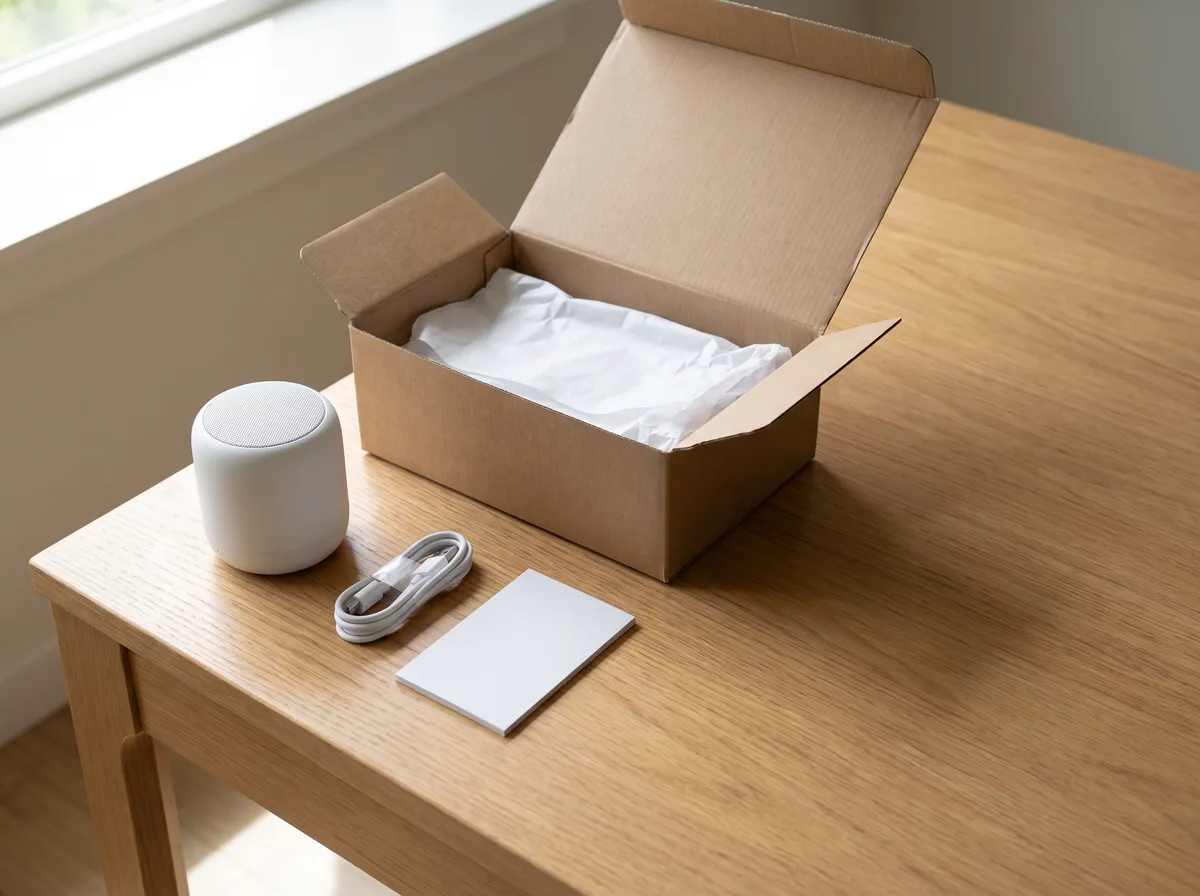
  8. Example scene: E-commerce

    Example – not a customer reference

    E-commerce

    Product information, instructions and support on the packaging.

    • Product
    • Support
    • Manual
    Open demo

OCB QR Visit in numbers

QR code types
9
Formats: PNG, JPG, SVG
3
Sizes: 300 to 2048 px
4
QR pages per account
20
Photos per QR page
24
Languages: DE, TR, EN
3
for static QR codes
€0

All numbers come from the settings of the platform.

How it works

Three clear steps to a finished QR code

  1. Choose a type

    Pick website, WiFi, business card, event or location, for example.

  2. Enter the data

    Add the target and check it in the live preview.

  3. Design & download

    Adjust colours, gradient, dot and corner shapes and the logo, then export PNG, JPG or SVG at 300, 600, 1024 or 2048 px.

The nine QR code types

  • Website
  • Text
  • Email
  • Phone
  • SMS
  • WiFi
  • Business card
  • Location
  • Event
Try it in the generator

Static or dynamic

The difference at a glance

Both variants are created in the same generator. Dynamic QR codes require an account.

Static

Target stored in the QR code

The target is stored directly in the QR code. To change it, a new QR code has to be created and replaced.

  • Free; create and download without an account.
  • All nine QR code types available.
  • Good for information that does not change.

Create a static QR code

Dynamic

Change the target later

The target is managed through a redirecting address and can be changed later without replacing the QR code that is already printed.

  • The printed QR code stays as it is.
  • Change the target address in your account at any time.
  • For website links, with sign-in.
  • Scans are counted: total and time of the last scan.
  • No IP address, location or device of the people who scan is recorded.

QR pages

The page behind the code

A QR page is a small mobile page your QR code points to, hosted by OCB QR Visit. You do not need a website of your own for it.

  1. Choose a template

    Menu, trades contact page, property exposé, studio & booking, guest information, event programme, product info or a blank page.

  2. Add your content

    Title, subtitle, colour, rows with headings and up to 10 buttons for web, phone or email.

  3. Add pictures

    Header picture, logo – also in the middle of the QR code if you wish – and up to 24 photos next to the rows, small or large.

  4. Edit without reprinting

    Edits show on the next scan. The printed code stays the same.

Up to 20 QR pages per account. Reported pages can be reviewed and blocked by the operator.

Demo

Demo Restaurant

Digital menu

  • Starters
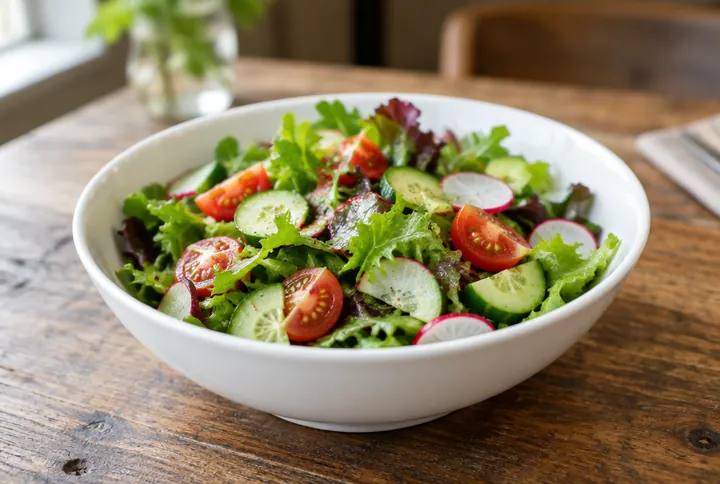
  • Tomato soup€6.50
  • Mixed salad€7.90
  • Mains
  • Pasta of the day€13.50
  • Vegetable stir-fry€12.90
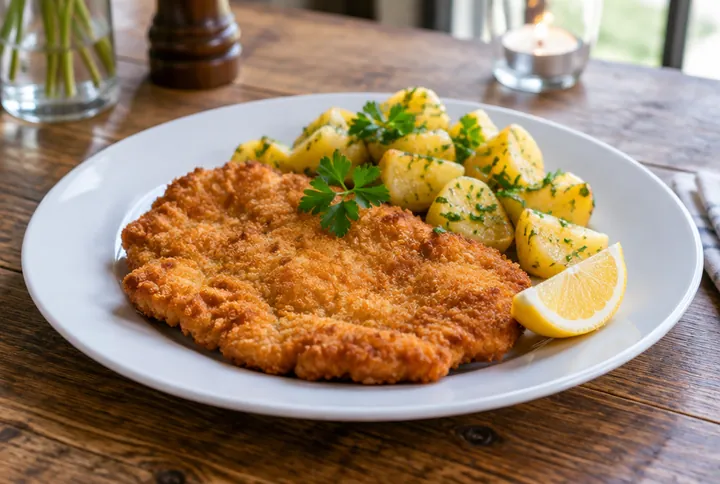
  • Schnitzel with potatoes€16.90
  • Drinks
  • Water 0.5 l€3.50
  • Homemade lemonade€4.50

Created with OCB QR Visit

Demo page with made-up content. The pictures are computer-generated. Open demo →

Digital business card

Your card to take along

This is what a digital business card looks like: Orkun Bayram's card lives at /kontakt – view the contact details, call, write and save them as a vCard. Spin the card file, pull out the front card and scan its back.

Drag, swipe or use the arrow keys to turn it. A click on the front card pulls it out and flips it.

More about the digital business card →
  1. Orkun Bayram, OCB Consulting

    Digital business card

    Orkun Bayram

    Digitalization consultant

    Orkun Bayram

    OCB Consulting

    • +49 163 1695159
    • orkun@ocb-consulting.com
    • Grabenstraße 22, 45964 Gladbeck
  2. QR code type 01

    Website

    Lead straight to a website or landing page.

    Website

    QR code type

    • Lead straight to a website or landing page.
    • Create it in the generator
  3. QR code type 02

    Text

    Show a short text directly.

    Text

    QR code type

    • Show a short text directly.
    • Create it in the generator
  4. QR code type 03

    Email

    Open a prepared email.

    Email

    QR code type

    • Open a prepared email.
    • Create it in the generator
  5. QR code type 04

    Phone

    Start a call directly.

    Phone

    QR code type

    • Start a call directly.
    • Create it in the generator
  6. QR code type 05

    SMS

    Open a prepared message.

    SMS

    QR code type

    • Open a prepared message.
    • Create it in the generator
  7. QR code type 06

    WiFi

    Share WiFi access without typing a password.

    WiFi

    QR code type

    • Share WiFi access without typing a password.
    • Create it in the generator
  8. QR code type 07

    Business card

    Save contact details straight to the phone.

    Business card

    QR code type

    • Save contact details straight to the phone.
    • Create it in the generator
  9. QR code type 08

    Location

    Open a location quickly and clearly.

    Location

    QR code type

    • Open a location quickly and clearly.
    • Create it in the generator
  10. QR code type 09

    Event

    Add an event to the calendar.

    Event

    QR code type

    • Add an event to the calendar.
    • Create it in the generator
Card 1 of 10: Orkun Bayram

FAQ

Frequently asked questions

All questions and answers →
What is OCB QR Visit?

OCB QR Visit is a QR code platform by OCB Consulting. You use it to create QR codes with your logo and brand colours, manage dynamic QR codes and build QR pages – small mobile pages a QR code points to.

Are static QR codes free?

Yes. Static QR codes can be created without an account and downloaded as PNG, JPG or SVG.

Can I add my own logo?

Yes. In the generator you choose between the OCB logo, your own logo and no logo. Check that the code still scans after every change.

Which formats and sizes can I download?

PNG, JPG and the scalable SVG format suited to print applications are available – in the sizes 300, 600, 1024 and 2048 px.

Which QR code types are there?

Nine: website, text, email, phone, SMS, WiFi, business card (vCard), location and calendar event.

What is the difference between static and dynamic QR codes?

With static QR codes the target is stored in the code itself. With dynamic QR codes the target address can be changed in your account without replacing the printed code. Dynamic QR codes are available for website links and require an account.

What is counted for dynamic QR codes?

The number of scans and the time of the last scan are counted. No IP address, location or device of the people who scan is recorded.

What are QR pages?

QR pages are small hosted mobile pages a QR code points to: a menu, a trades contact page, a property exposé, studio & booking, guest information, an event programme, product info or a blank page. Edits show on the next scan; the printed code stays the same.

How many QR pages can I create and what fits on one?

Up to 20 QR pages per account. A page has a title, subtitle, colour, rows with headings, up to 10 buttons for web, phone or email, plus a header picture, a logo and up to 24 photos.

Are my QR codes saved?

Signed-in users find their created QR codes in their dashboard and can download them again or delete them there.

Which languages is OCB QR Visit available in?

The platform is available in German, Turkish and English.

Who operates OCB QR Visit?

OCB QR Visit is built and operated by OCB Consulting (owner Orkun Bayram, Grabenstraße 22, 45964 Gladbeck, Germany). Your contact is Orkun Bayram: +49 163 1695159, orkun@ocb-consulting.com.

Your first QR code is waiting

Clear, matched to your design and ready to download. Static QR codes are free and need no account.

Real. Scan me.To the generator